
Lights Out: Overview
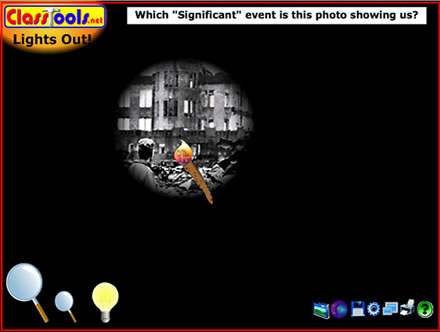
This template allows you to load an image, then "turn the lights off" so that you can view just small sections of the image at a time.
It provides a great way of getting students to look more closely at an image.

This template allows you to load an image, then "turn the lights off" so that you can view just small sections of the image at a time.
It provides a great way of getting students to look more closely at an image.
The teacher should load an image into the template prior to the lesson, then "turn the lights out".
Students are then invited up for 10 seconds each to examine the picture using the torch (which should initially be on the smallest setting).
The other members of the class should be encouraged to produce a sketch of what they think the entire picture will look like; they can also be asked "What topic do you think this relates to?", "What exactly does it show?", "What are the most important parts of this picture?"
Every few "turns", the teacher should increase the size of the area covered by the torch, until eventually the entire picture can be viewed (click the light bulb).
Standard anaylsis of the picture can then take place.
