
PREMIUM LOGIN
ClassTools Premium membership gives access to all templates, no advertisements, personal branding and many other benefits!
| Username: | ||
| Password: | ||
|
Submit
Cancel
|
||
| Not a member? | ||
PREMIUM LOGIN
ClassTools Premium membership gives access to all templates, no advertisements, personal branding and many other benefits!
| Username: | ||
| Password: | ||
|
Submit
Cancel
|
||
| Not a member? | ||
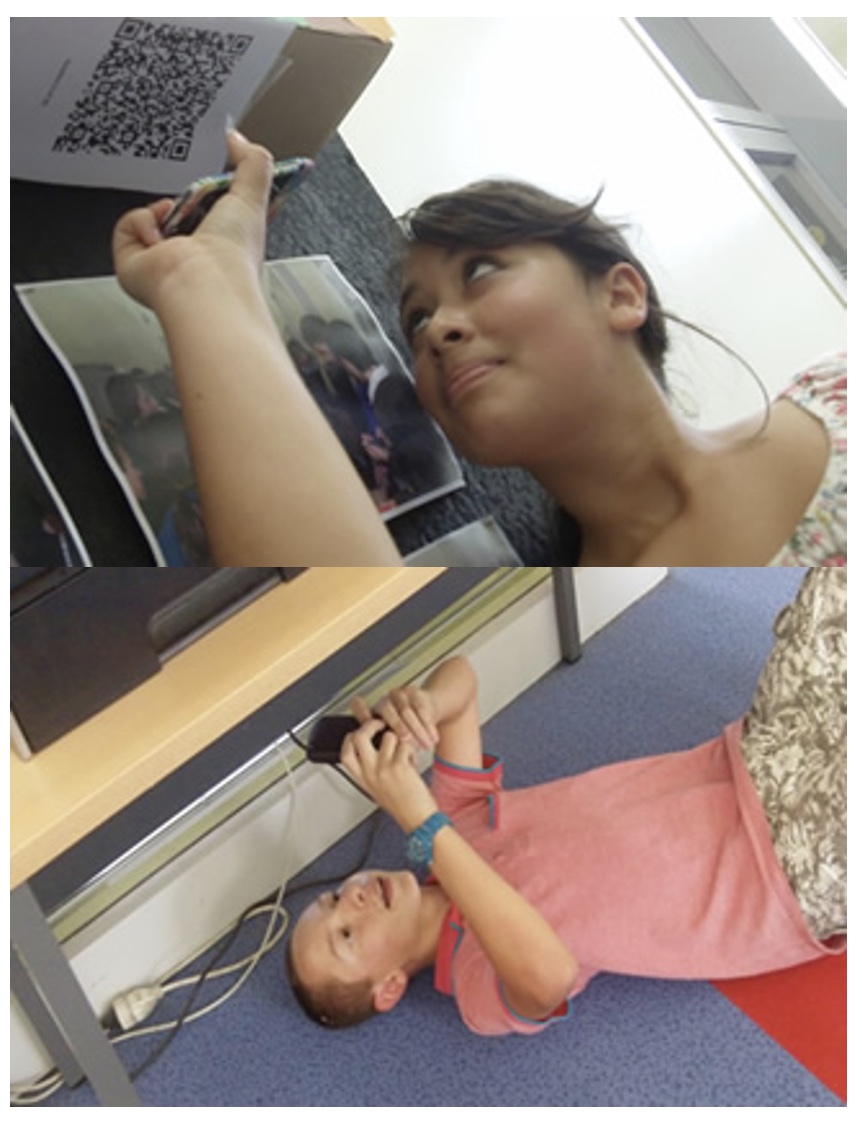
1. Arrange students into groups. Each group needs at least ONE person who has a mobile device.
2. If their phone camera doesn't automatically detect and decode QR codes, ask students to
4. Cut them out and place them around your class / school.
1. Give each group a clipboard and a piece of paper so they can write down the decoded questions and their answers to them.
2. Explain to the students that the codes are hidden around the school. Each team will get ONE point for each question they correctly decode and copy down onto their sheet, and a further TWO points if they can then provide the correct answer and write this down underneath the question.
3. Away they go! The winner is the first team to return with the most correct answers in the time available. This could be within a lesson, or during a lunchbreak, or even over several days!
4. A detailed case study in how to set up a successful QR Scavenger Hunt using this tool can be found here.
Question | Answer |
| 1. Here you will be challenged to do an experiment that will help you solve conflicts with friends. Watch this video first to learn what a conflict is and what types of conflicts friends can have. Then talk about ways to solve conflicts in a peaceful way. Video Link: https://www.youtube.com/watch?v=Gl3e-OUnavQ. When you are finished, Go to the Library. | Conflict | 2. Here you are to look for the book, Each Kindness, and take a picture of the book with your IPAD. Talk with your team about how you can show empathy to each other. When you are finished, Go to outside of the Gym. | Kindness | 3. Here you will have to practice using an I message that will be on the wall. Film yourself using the I-message. When you are finished, Go to Mr. B’s Office. | I message | 4. Here you will have to match feelings with the appropriate zones. Take a picture to show that you got it correct. When you are finished, Go to the Office. | Zones | 5. Here you will be very respectful by giving the secretaries a compliment and say thanks for all they do in our school. Take a picture with one of them! When you are finished, Go to your Teacher’s Classroom. | Thank you | 6. Here you will practice showing good manners and being polite and kind. Create a thank you card and then deliver it to one of your previous teachers. Be sure to knock before you enter the room or you may choose to deliver them to their mailbox in the office. When you are finished, Go to Mrs. Vida's Computer Lab. | Office | 7. Here you will write down a few things you can do to stay safe when you are online. If Mrs. Vida is not with a class you can even tell her what you have learned! Remember our youtube clip from a few weeks ago... When you are finished, Go to the 4th Grade Hallway near the outside recess door. | Internet | 8. Here you will help Mr. John and learn how to be responsible. Take a stick with the tennis ball at the end and wipe a few shoe marks off the floor. You will be a big help by keeping our school clean! When you are finished, Go Downstairs near the Art Room. | Art Room | 9. Here you will watch a video about 20 things we should say more often. After watching the video talk about some things we should say more often. Write it down on a piece of paper and share with you class! https://www.youtube.com/watch?v=m5yCOSHeYn4&index=50&list=PLzvRx_johoA-YabI6FWcU-jL6nKA1Um-t When you are finished, Go to the Science Lab. | Kid President |

Question 1 (of 9)
Question 2 (of 9)
Question 3 (of 9)
Question 4 (of 9)
Question 5 (of 9)
Question 6 (of 9)
Question 7 (of 9)
Question 8 (of 9)
Question 9 (of 9)